


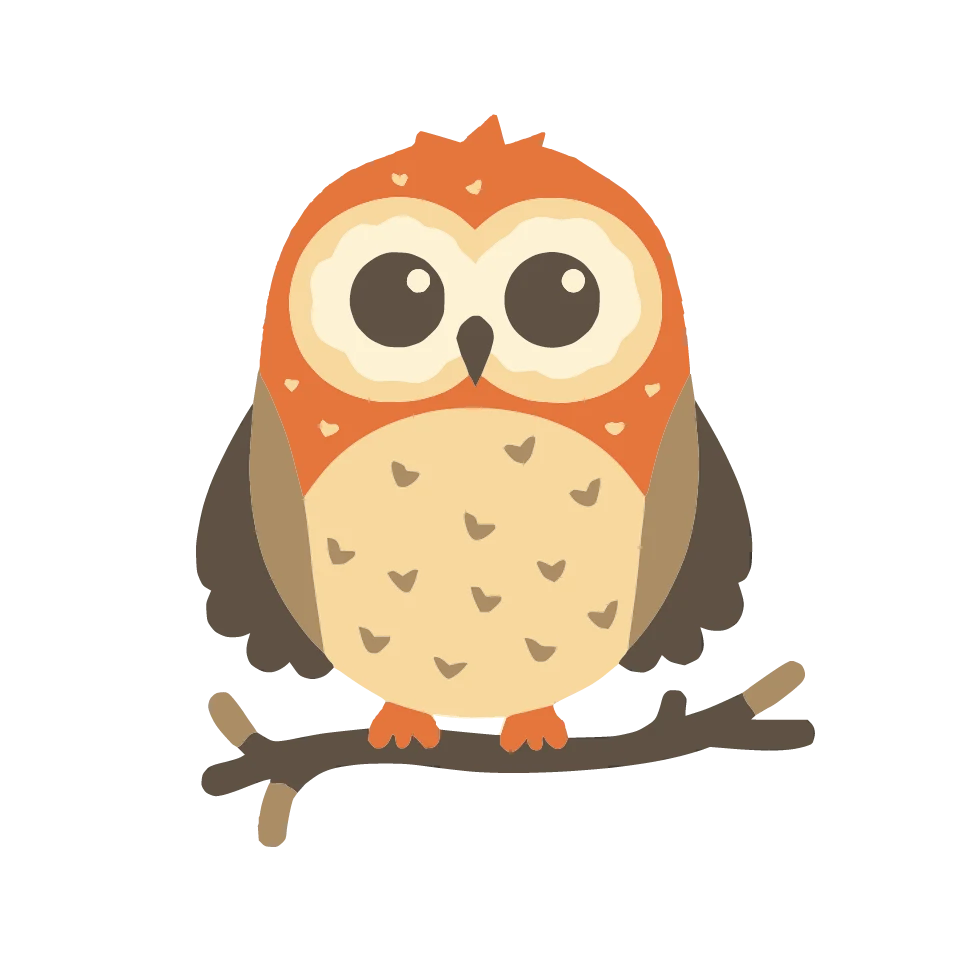
Auto Fill
Move your pointer over the owl
Draw something of your own or start with one of our ready-to-stitch designs. You'll see every stitch before it touches the fabric, then save a file that's ready for your machine.
From screen to fabric
01
Pick a design from our catalogue, start in the editor with an empty hoop, or import your own image.
02
Zoom in and edit every node, set text in embroidery fonts, arrange layers and pick your thread colours.
03
Set stitch type, density, underlay and outline – the realistic preview shows at once how it will look stitched.
04
Save the file in your machine's format or send it straight off – and stitch exactly what you saw, stitch by stitch.
Our designs
Birthday, wedding, Christmas, the first day at school or your own pet: hundreds of ready-made embroidery designs, waiting for you to make them your own.
Stitch types, simply set
Move across the owl to compare a smooth Auto Fill with the charming grid of Cross Stitch.
Move your pointer over the owl
Move your pointer over the owl
The configurator
Type a name, pick a font and colours: every field in the configurator changes exactly one layer of the design – and out comes a finished embroidery file.
Make it yours
Start with an empty hoop or pick a design from the catalogue — NextStitch runs right in your browser, nothing to install.

